
Just send the reference.
Quick Send for the reels that speak for themselves.
Warming up the lab…
Freak Media · Mission Control
get out of his lab, spinner…
 ModelHub
Your agency. Your models. Connected.
Send references and clear filming notes.
Get each take back beside its brief.
Choose referencesSend a packGet the take
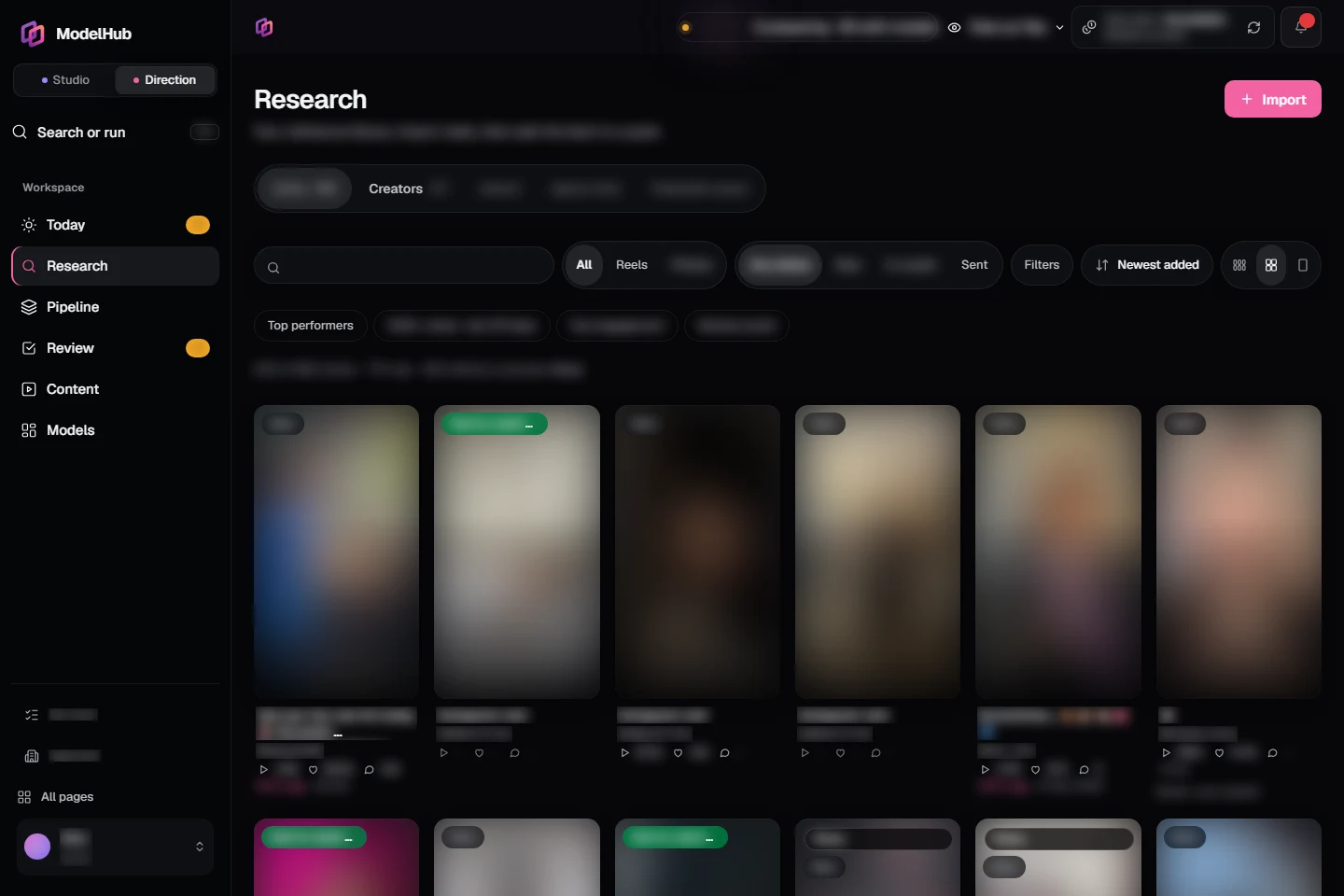
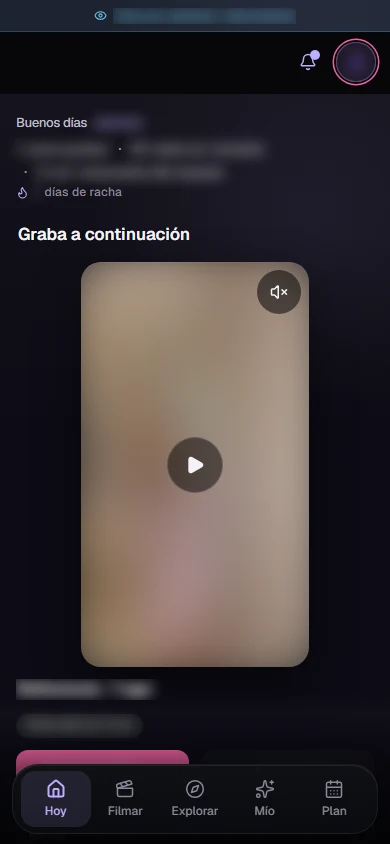
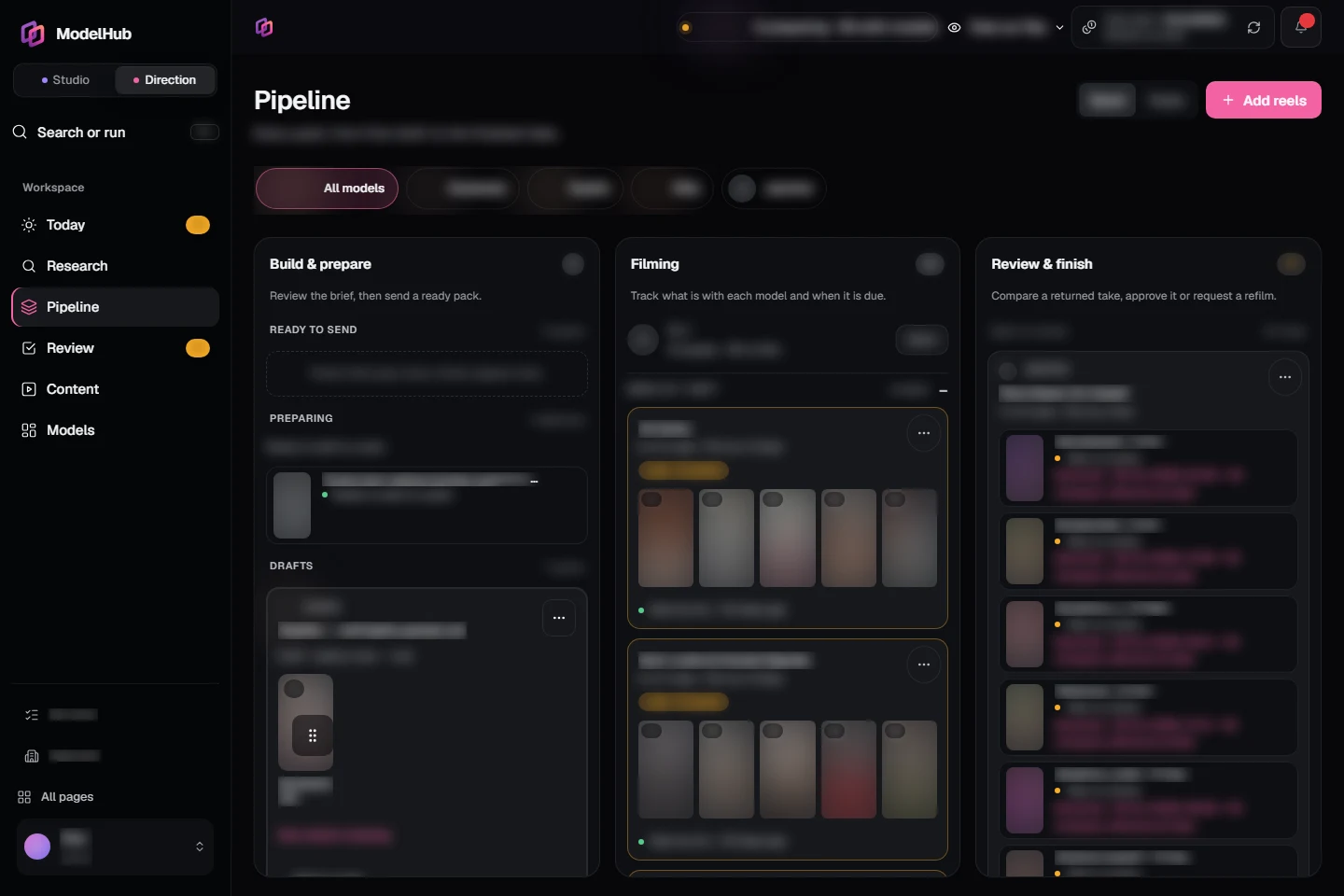
Actual screens. Private work blurred; owner controls hidden.
Your desk. Her phone. One connected handoff.
Try three references. Make a pack, then see exactly how the same reels appear on her phone.
Public sample · three references · no account neededA small example of the handoff. Explore the full workspace in a private demo.
Real Research and Pipeline captures, with public example content replacing private work. This demo does not send messages or use credits.
Her side of the handoff
One place on her phone for the reference, your filming notes and her returned take. No hunting through chats.
From your desk to her phone. And back.
Choose your references. Add the filming notes. Preview what she’ll receive, then send.
Simple when it can be. Detailed when it matters.
A simple reel doesn’t need a long brief. Give her exactly what she needs to film it right.
Request an invite with your agency details. We’ll confirm access and help you set up your workspace and first models.
No. Send the reference on its own, write a custom brief, or request AI preparation where it is enabled. You choose before sending.
Her references and the filming instructions you send, together in her own phone workspace. She can return a take or let you know she can’t film.
Yes. These are captures of the actual ModelHub interface. Private account details and media are blurred. The walkthrough is a separate product demonstration.
Start a conversation
Leave one contact detail. We’ll get in touch to arrange a demo or discuss your invitation.
Already invited? Team sign in · Model Hub