Warming up the lab…
Freak Media · Mission Control
get out of his lab, spinner…
Warming up the lab…
Freak Media · Mission Control
get out of his lab, spinner…
Models Hub
Watch the reference, read your filming notes and send your take to the team. Your work stays in your private workspace.
Private, bilingual, and built for your phone.
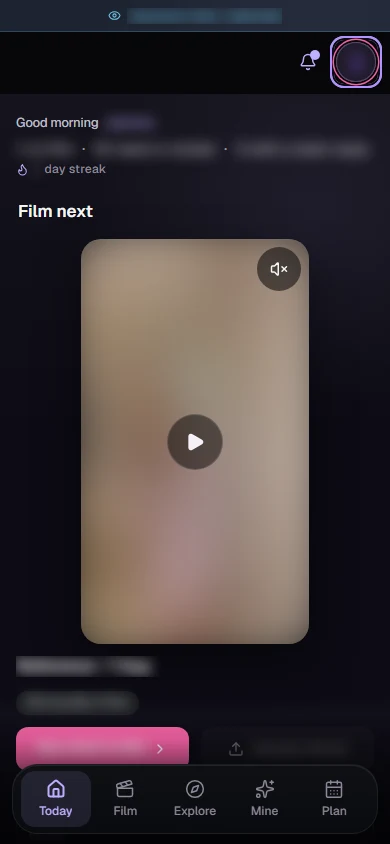
The reels your team sends you, ready to open from your phone.
Model Hub
Your references, filming notes, and feedback travel with the reel. Open what you need, film your part, and send the take you choose.
Your team's references and filming notes stay beside the reel you're working on.
Review the reference and your take before you send it to the team.
Share the days you can film and the number of reels that feels comfortable. Update your preferences when your week changes.
How it works
A reel arrives with the reference and the filming notes to review before you start.
Watch the reference and brief, then open your phone's camera from the reel. Film a few takes if you like — you choose which one to send.
Choose a take and send it. Keep the app open until upload confirms it arrived; if the connection drops, you can retry.